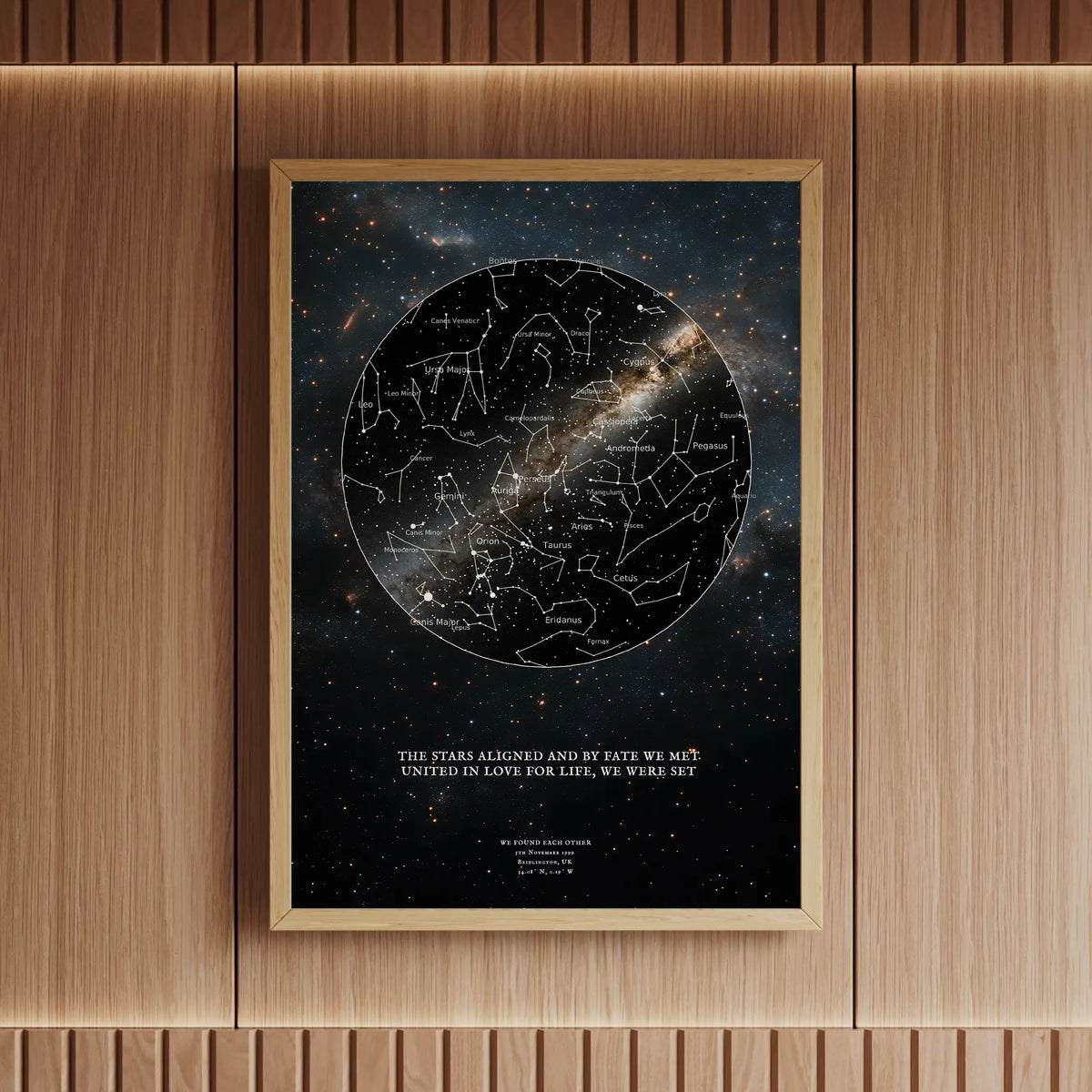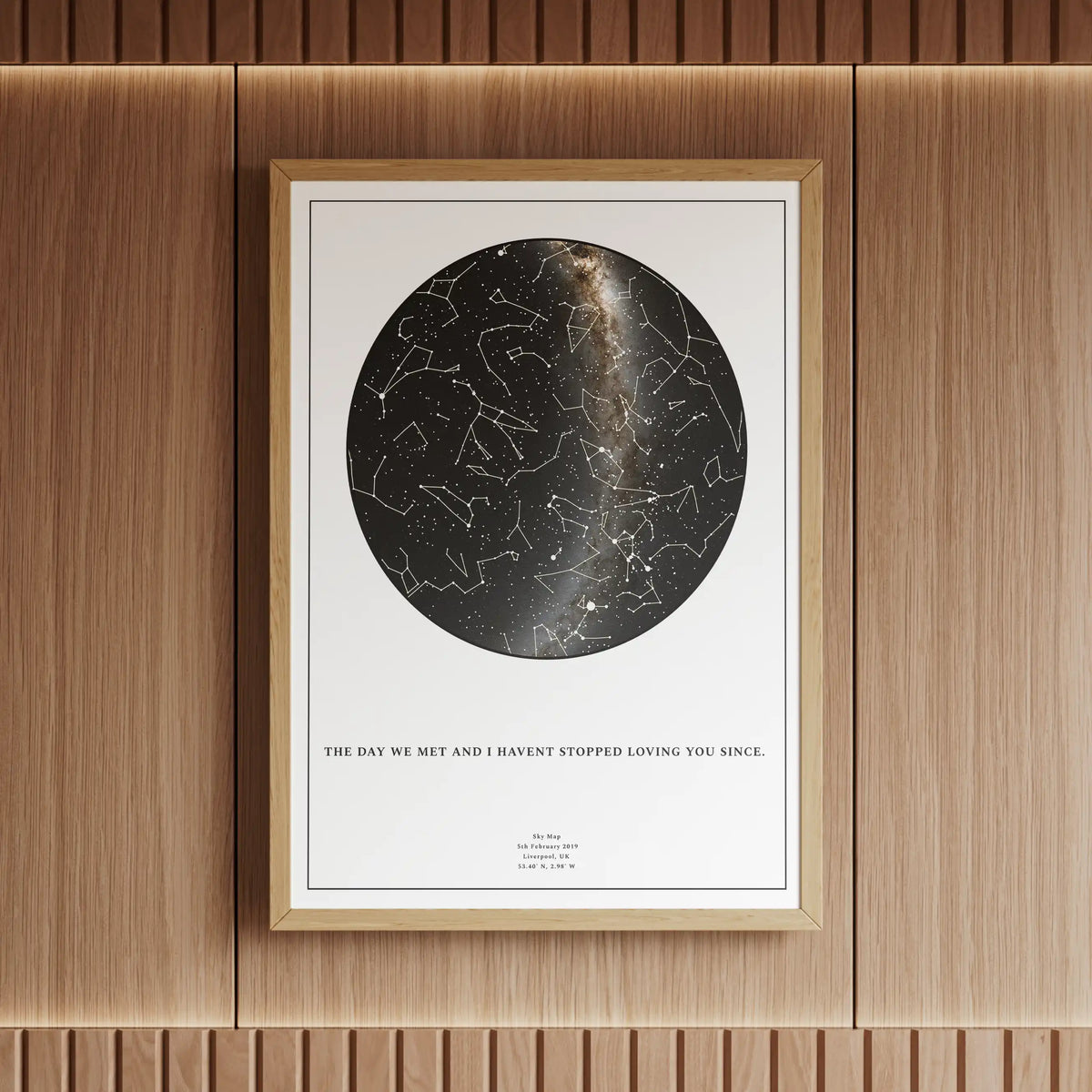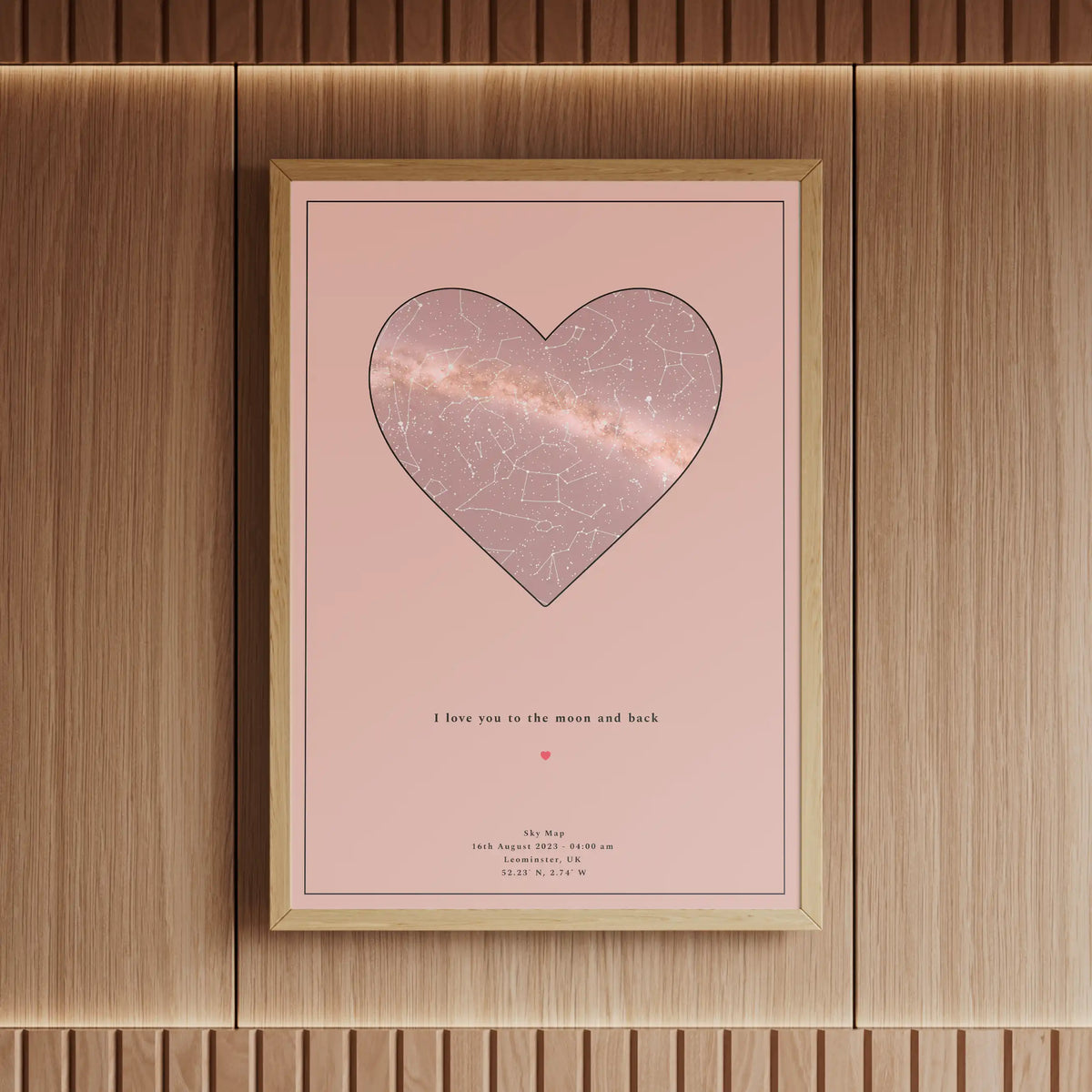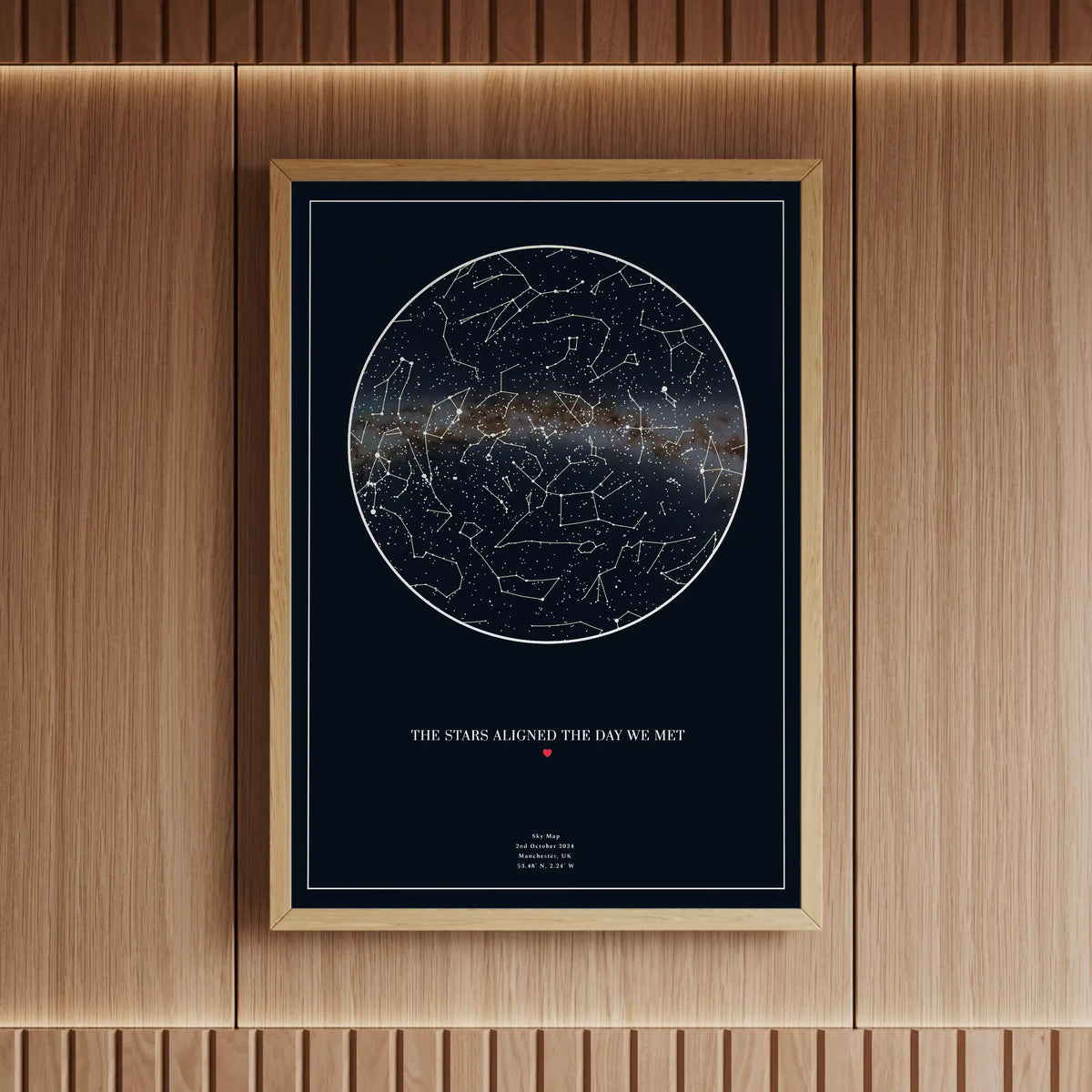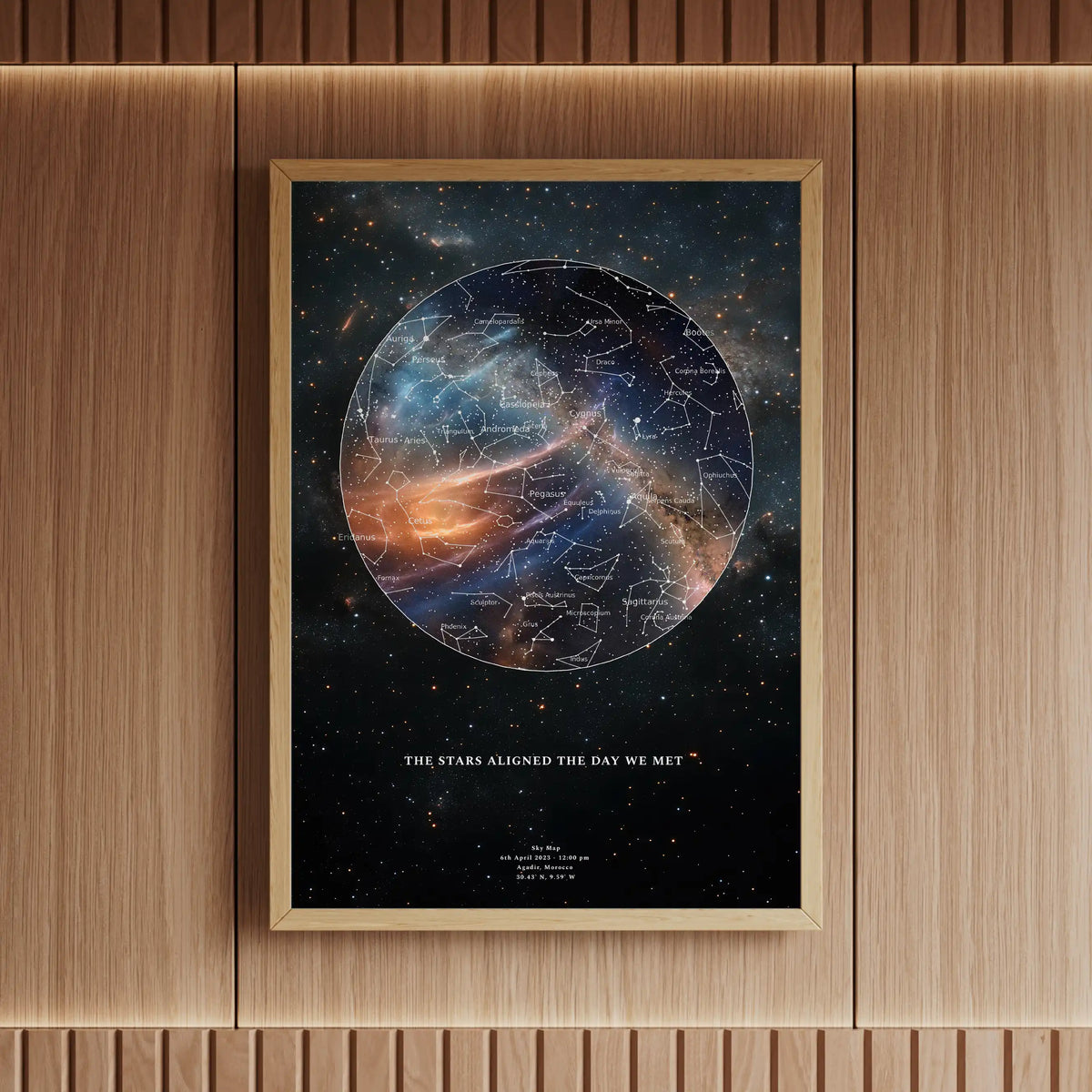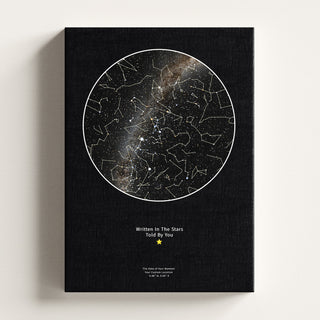
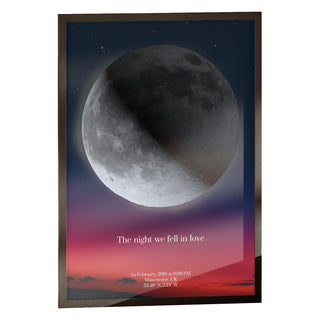
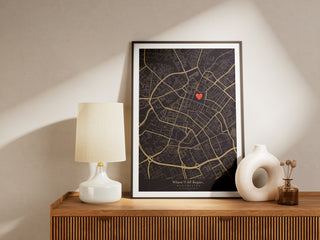


There is a small thing we changed this week, and it is the kind of small that we suspect a few of you will find rather large. From today, every Skylit Star Map and every Skylit Location Map can carry your actual handwriting. Not a typeface designed to look a bit like handwriting. Not a calligraphic font with a nice flourish. Yours. The way you actually write, with all its loops and lopsided t-bars and the little wobble where you slipped on a Tuesday morning.

It is a feature that sounds simple on the surface and is, predictably, anything but. We will get into the why and the how below, but first the announcement and the demo.
Why a font was never going to be enough
For years we have been printing personalised star maps, moon maps and location maps. People come to us with the night someone was born, the city they fell in love in, the spot where the proposal happened. We render the sky or the streets, set the date in elegant type, frame the print, dispatch it the same day. The prints look beautiful. People love them. We are immensely proud of what comes off the press.
But the messages on those prints, the small dedications below the map, were always set in our typeface. A lovely typeface, chosen carefully. And a typeface, no matter how lovely, is a designer's idea of how a letter should look. It is universal. It is, by definition, not yours.
Your handwriting is yours, only yours. It is already the way someone in your life recognises a birthday card before they read the name on it. It is the way a parent's note on the fridge looks. It is the way you signed the back of a photograph, scribbled the title of a wedding playlist, drew a wonky heart on the bottom of a postcard from somewhere far away. None of that survives a typeface.
What just changed
From this week, the customisers for both the Star Map and the Location Map have a new option. Below the message field where you would normally type your dedication, there is now a small toggle: Handwritten message. Tick it, and a canvas appears. Whatever you draw on that canvas, with your finger or a mouse or an Apple Pencil, gets printed onto the map exactly as you drew it.
It is not OCR. We are not converting your handwriting into clean type. The actual ink strokes you make are what end up on the print. The wobbles are preserved. The smudges are preserved. The bit where your finger slipped is preserved. That is the entire point.

How it works (in three steps)
It is genuinely a one-minute job, and we have tried to make every part of it pleasant.
- Open the customiser on either the Star Map or the Location Map product page. Go over to step 3, the message section.
- Tick "handwritten message". A canvas appears just below. Tap "Expand" to open it into a larger drawing area if you would like more room. Use your finger, your mouse, or an Apple Pencil. There are sliders for stroke width, message size, and message height. Undo, clear, and start over as many times as you like.
- Add it to your basket. Your strokes go straight onto the print on the same 260gsm photo lustre paper, with the same Canon pigment inks we use for everything else. Same-day dispatch before 3pm, just like the rest of the range.
Why your handwriting says everything
A typed message says something. Yours says everything. We have been thinking about this difference for a long time, because we kept seeing it in the way people responded to the prints we made for them. The customers who loved their prints most were the ones who had asked for something specific and personal in the dedication. A nickname only the two of them used. The exact phrase someone said the night the photo was taken. A joke that only made sense in their family.
The typeface could carry the words, but it could not carry the voice. Handwriting carries the voice. It is the closest thing we have, on a printed object, to hearing someone speak.
The print stops being a beautiful object and starts being a small piece of you. — Skylit Studio, on why handwriting changes everything
It also matters in a less romantic way: a handwritten note can be read decades later by the person who drew it and feel like time travel. We have tested this with our own handwriting from old notebooks. Handwriting stays surprisingly consistent across years, but seeing it on the wall in a finished print is something different again. It is a small piece of a person, set permanently on premium paper, framed, hung.
What to write, what to draw
It does not have to be a signature. It does not have to be neat. The canvas is yours. A few patterns we have seen in the testing phase:
Five ideas for the handwritten message
- The sentence you said first. "I'm going to marry her." "Bloody hell, that's the moon." "I think we should call her Iris." Whatever the actual line was, in your actual handwriting.
- A doodle that means something only to you. A wonky heart. A tiny boat. The shape of the dog who was there. A symbol you used in love letters as a teenager.
- The date in someone else's handwriting. Hand the phone to the person the print is for, ask them to write something themselves. That way their handwriting sits alongside the stars or the streets that belong to that date. This is one of the more affecting versions of the feature, in our experience.
- A line of music. Five staves, a few notes, the bar from the song you cannot hear without crying. Lovely against a star map.
- Just a name. Sometimes that is the whole thing. The name, in your handwriting. Nothing else needed.
Behind the scenes
A small confession, since some of you ask. The reason this took us a while is that handwritten messages on a print are deceptively hard to do well. The screen and the print are different mediums. A stroke that looks crisp at 72 DPI on your phone can look stringy or jittery at 300 DPI on Photo Lustre paper. The tip of your finger and the actual ink on the paper need to feel like the same gesture, which means stroke smoothing, baseline alignment, and consistent rendering across every paper format we offer.
We spent the better part of a few weeks on the unsexy parts: how the canvas behaves at different zoom levels, what happens when you sketch in a hurry on a wobbly train, and so on. Most of this you will never notice, which is sort of the point. It only feels effortless because the effort happened upstream.
What is coming next
The handwritten message option is live now on the Star Map and the Location Map. Moon Maps are next on the list and will get the same treatment soon. We will announce it with some fanfare again when it lands.
If you have a use case we have not thought of, or a request for how the feature should evolve, hit reply on any of our emails. We read every single one and we genuinely use the feedback to decide what to build next.
Frequently Asked Questions
Does the handwritten message option cost extra?
No. The handwritten message option is included in the price of any Star Map or Location Map. Same craft, same paper, same dispatch. The price you see on the product page is what you pay whether you type the message or draw it.
Can I use it on a phone?
Yes. It works on phones, tablets, laptops, and desktops. A stylus or Apple Pencil gives the most control, but a finger works perfectly well, and a mouse is fine too. We recommend tapping the "Expand" button on smaller screens to give yourself a larger canvas to draw on.
What if my handwriting is messy?
That is, respectfully, the point. We are not trying to make your message look like calligraphy. We are trying to capture you. The wobbles, the loops, the way you cross your t's. Messy is allowed. Messy is good. A neat handwritten line on a print would defeat the purpose.
Can I undo if I make a mistake?
Yes. There are undo, clear, and start-over buttons on the canvas. You can iterate as many times as you want before adding to your basket. Practice on a sheet of paper first if you would like a steady warm-up; we have all done it.
Will the strokes print as cleanly as a typeface?
They print at the same 300 DPI as the rest of the artwork, on the same 260gsm photo lustre paper, with the same Canon pigment inks. The strokes are sharp, archival, and made to last. Your handwriting will look on the print exactly the way you drew it on screen, no compromises.
Which products support the handwritten message option?
From this week, both the Star Map and the Location Map support handwritten messages. Moon Maps are next and will receive the same feature soon.
Can I use someone else's handwriting?
Yes, and it is one of our favourite uses. Hand the device to the person the print is for and ask them to write the message themselves. Their handwriting then sits permanently on the print. This works particularly well for memorial prints, gifts where the recipient's handwriting is the meaningful part, or anniversary prints with a partner's signature.