


Every Skylit print, step by step.
A walkthrough of every customiser we make. See exactly what you can change, what each tab does, and what the finished print looks like — before you spend a penny.

How to make a Star Map.
Every constellation, themed background and font scope explained — from picking a composition to picking a frame. With fresh screenshots of each tab and zoom-ins on the parts worth knowing.
Read the Guide
How to make a Moon Map.
Pick the moon's colour and backdrop, set the night, write the words, then choose how it ships. Includes the gift-options expansion that appears when you select Framed.
Read the Guide
How to make a Location Map.
Pan, rotate and tilt real Mapbox tiles, drop emoji icons on the spot, pick from 25 themed palettes, and sign your title in your own hand if you like.
Read the Guide
How to make a 3D Landmark Map.
Tap one of 31 popular landmarks — Eiffel Tower, Empire State, Sydney Opera House, Big Ben — and we frame the camera for you. Choose Dawn, Day, Dusk or Night.
Read the Guide
How to make a Family Moon Map.
Two, three or four moons on the same print, each rendered for its own date and place. Includes the Portrait 2×2 layout — perfect for the whole family's milestones.
Read the Guide
How to spell Your Name From Orbit.
Type any name and it's spelled from real NASA / USGS Landsat and ESA Sentinel-2 satellite imagery. Shuffle each letter's landscape, add a caption, and pick a background.
Read the Guide
How to make a Custom Print.
Upload your own photo, add a title and caption, crop and rotate before it ships. Two tabs — the shortest customiser we make.
Read the GuideOne shape across every product.
All Skylit customisers follow the same four-step rhythm. Once you've made one print, you've effectively learned them all.
Design
The look. Composition, shape, palette and the optional inner border.
Moment
The when and where. Real astronomical data does the rest.
Message
Your words and font. Type a message — or, on star maps, hand-write it.
Finish
Print, framed or canvas. Five sizes, optional gift wrap, live total.
Ready to make yours?
Skip the explainer if you like — every choice is reversible until you add to cart.
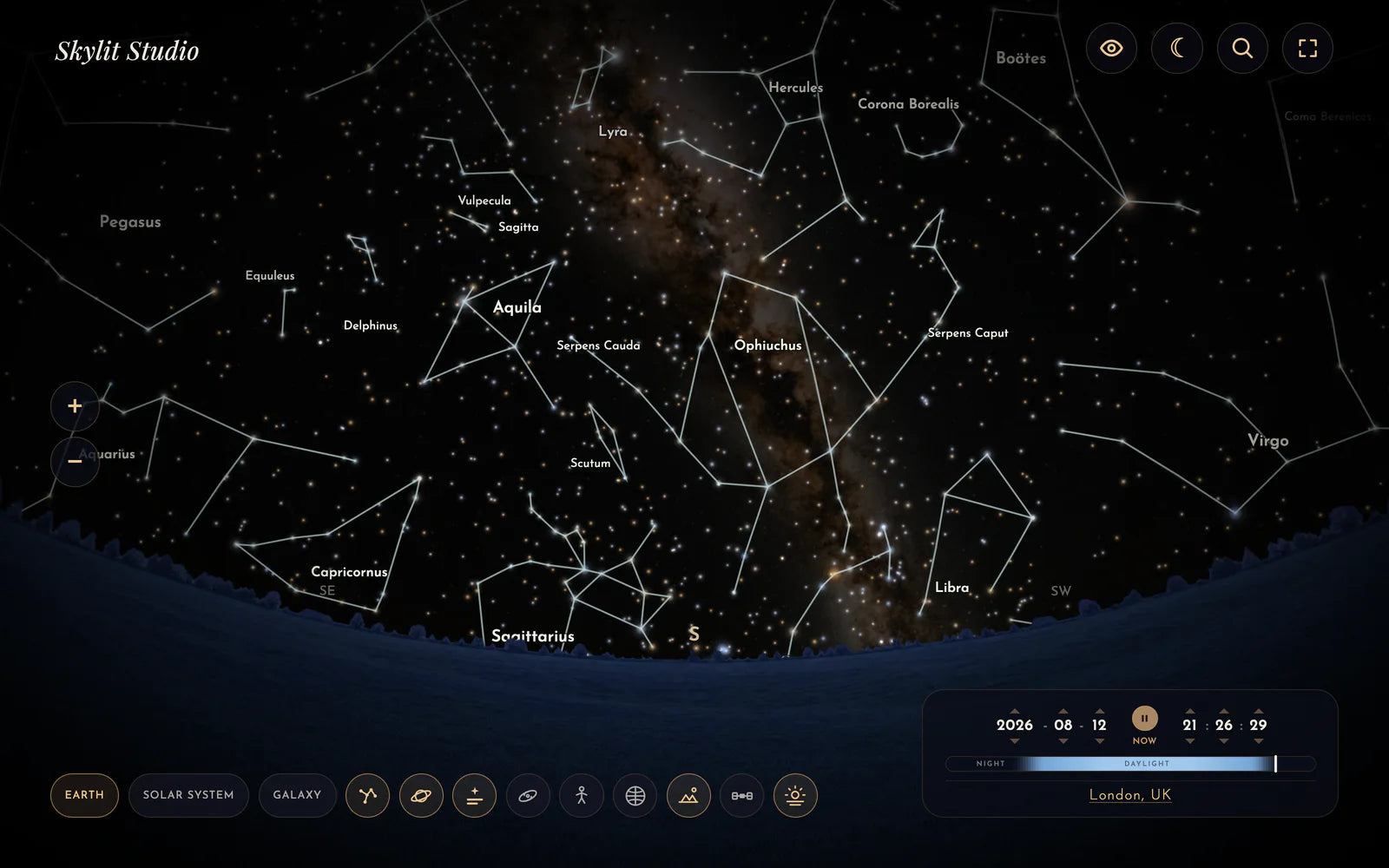
Free interactive tool
Explore the night sky for any date and place
Our free Night Sky Explorer is a live planetarium in your browser. See the real stars, constellations, planets, Moon and Milky Way exactly as they were, travel through time, and when you find a moment worth keeping, turn it into a print.
Open the Night Sky Explorer →
